
React and Next.js apps have unique visual testing challenges: component hydration, client-side routing, dynamic imports, suspense boundaries, and server-rendered content that can differ from client-rendered output.
Why React Apps Need Visual Testing
CSS-in-JS Side Effects: Change a utility class and 40 components shift. Functional tests won't catch it.
Component Composition: A padding change to <Card> affects every page using it.
Hydration Mismatches: If server and client output differ, visual testing catches the final rendered state.
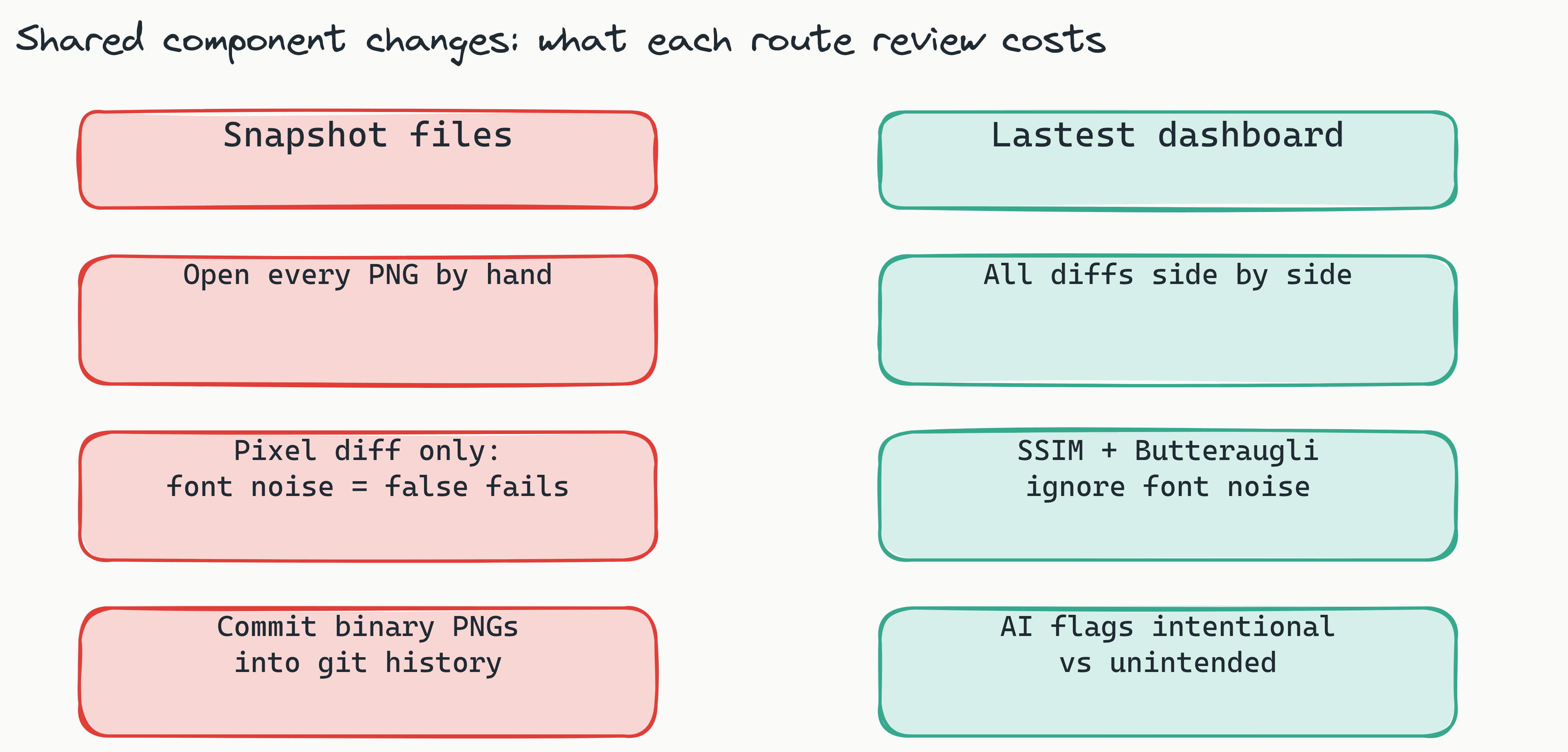
What to Test
- Each route - homepage, dashboard, settings, profile
- Auth states - login page vs logged-in
- Empty states - pages with no data
- Error states - API failures, 404
- Responsive breakpoints - mobile (375×812), tablet (768×1024), desktop (1440×900)
Handling React-Specific Challenges
Client-Side Routing: Lastest's DOM stability detector waits for React to finish rendering. No manual waitForTimeout.
Dynamic Imports: Network idle waiting + DOM stability detection ensures all lazy chunks load before capture.
Suspense: Configure network idle wait so all data fetching completes before screenshots.
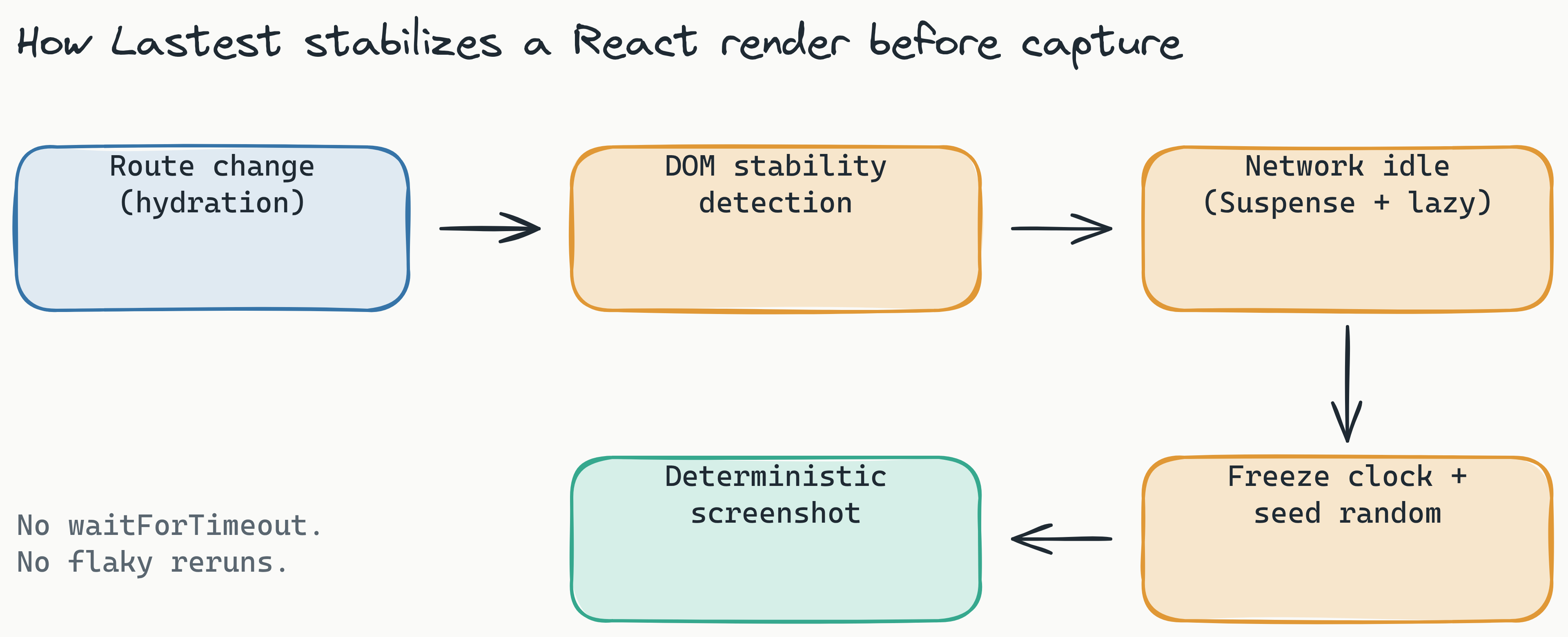

Stabilization
- Timestamps: Freeze
Date.now() - Random values: Seed
Math.random() - Animations: Disable CSS transitions during tests
- Third-party: Block chat widgets, analytics
Template Selection
| App Type | Template | Why |
|---|---|---|
| SaaS dashboard | SaaS / Dashboard | Timestamp freezing, dynamic masking |
| Marketing site | Marketing Website | Third-party blocking, multiple viewports |
| Design tool (Canvas) | Canvas / Drawing | GPU headless, coordinate selectors |
| E-commerce | E-commerce | Price/image mocking |
| Docs (MDX) | Documentation | Lightweight, high parallelism |
Getting Started
- Deploy Lastest:
docker-compose up -d - Add your React/Next.js app as a repository
- Select the right template
- Run the AI Play Agent
- Review and approve baselines
- Add to CI with GitHub Action