
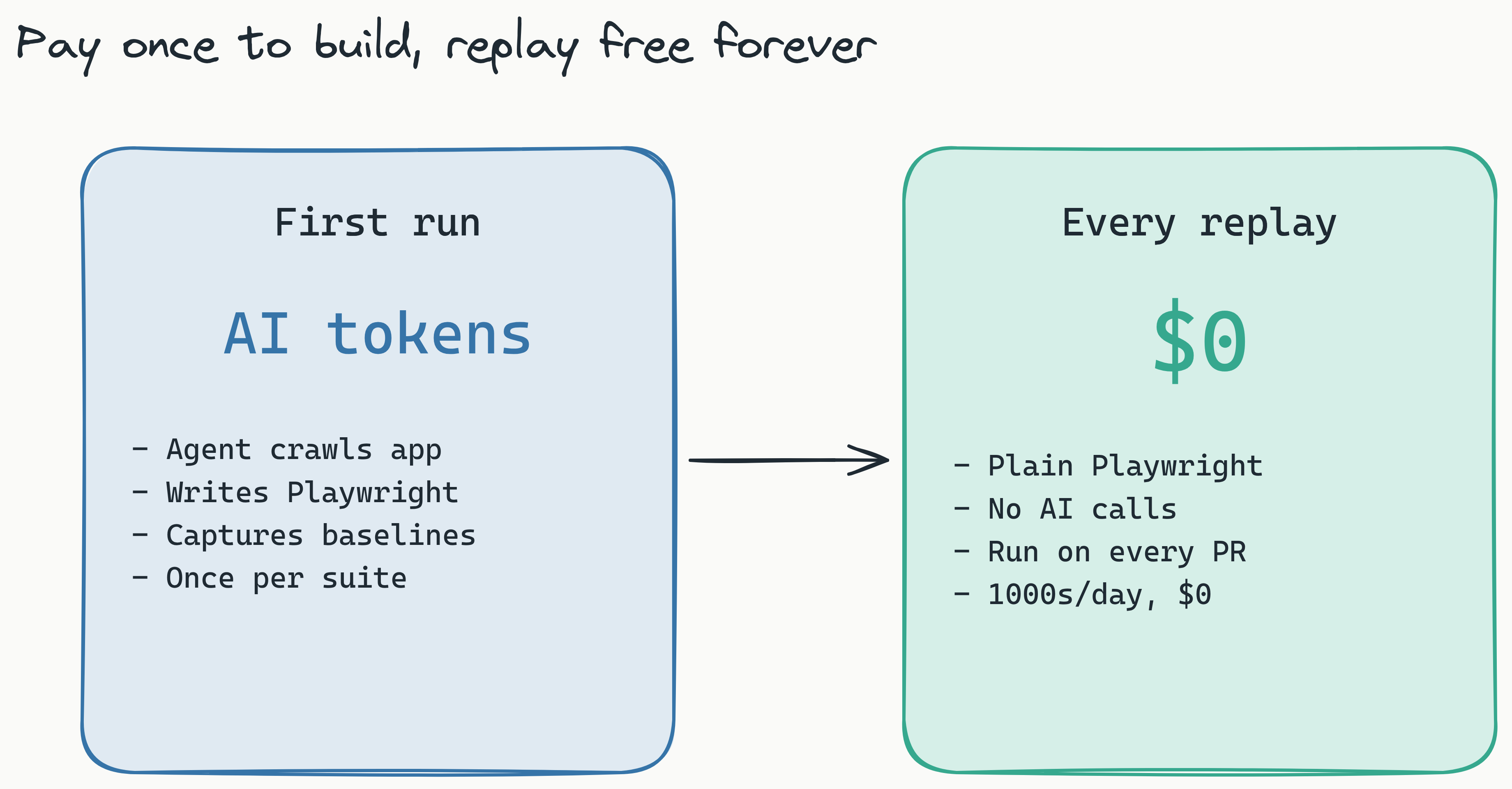
Lastest's agentic AI crawls your application, interacts with elements, and generates visual test suites automatically while a human oversight dashboard lets you review and approve each test. Your first run consumes AI tokens to build the test suite, but every replay afterward is completely free.
How it works
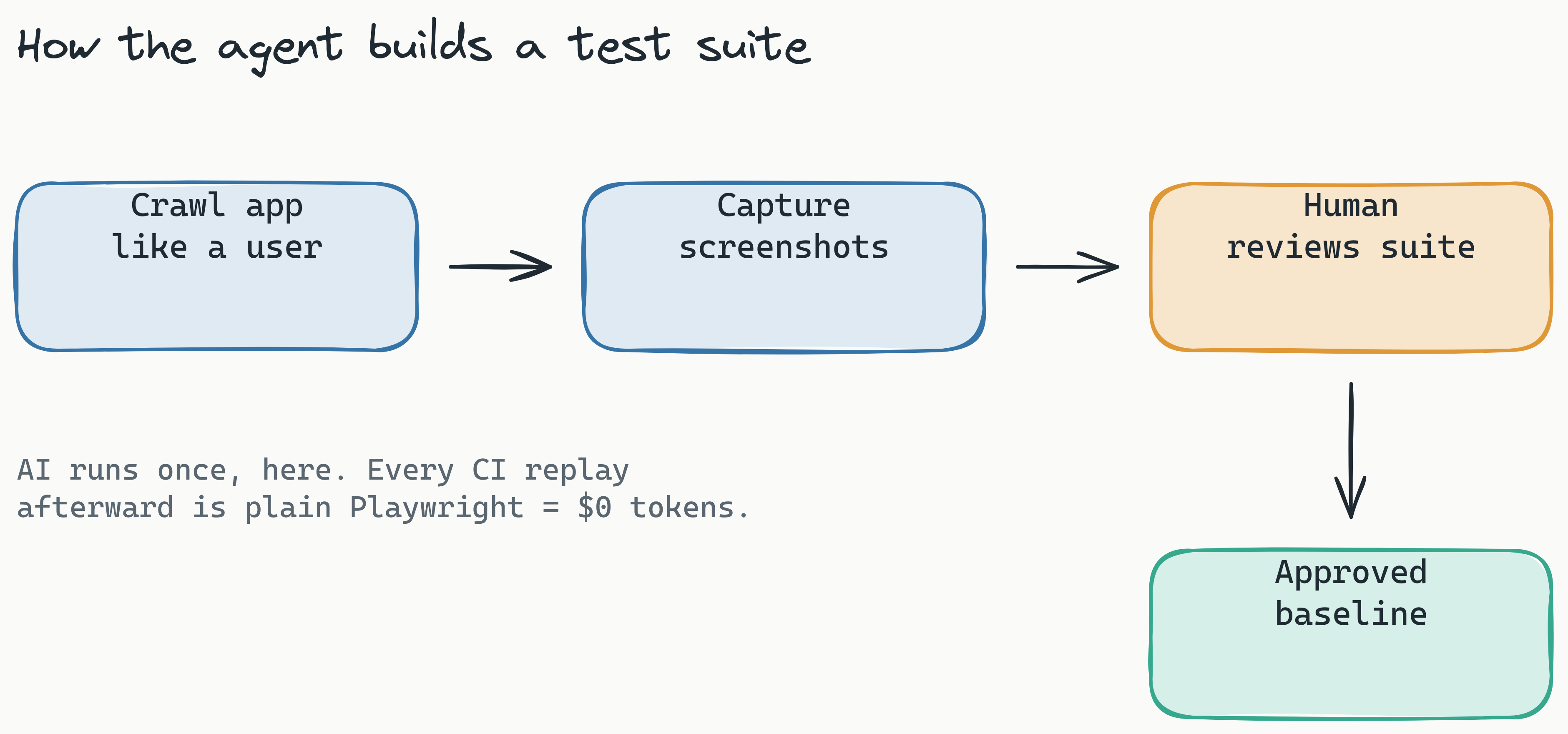
When you start an AI-generated test run, Lastest's agent navigates your application like a real user. It clicks buttons, fills forms, opens menus, and captures screenshots at each meaningful state change.
The agent uses a combination of DOM analysis and visual understanding to identify interactive elements and determine which user flows are worth testing. It prioritizes paths that cover the most visual surface area.
Step 1: Configure your target
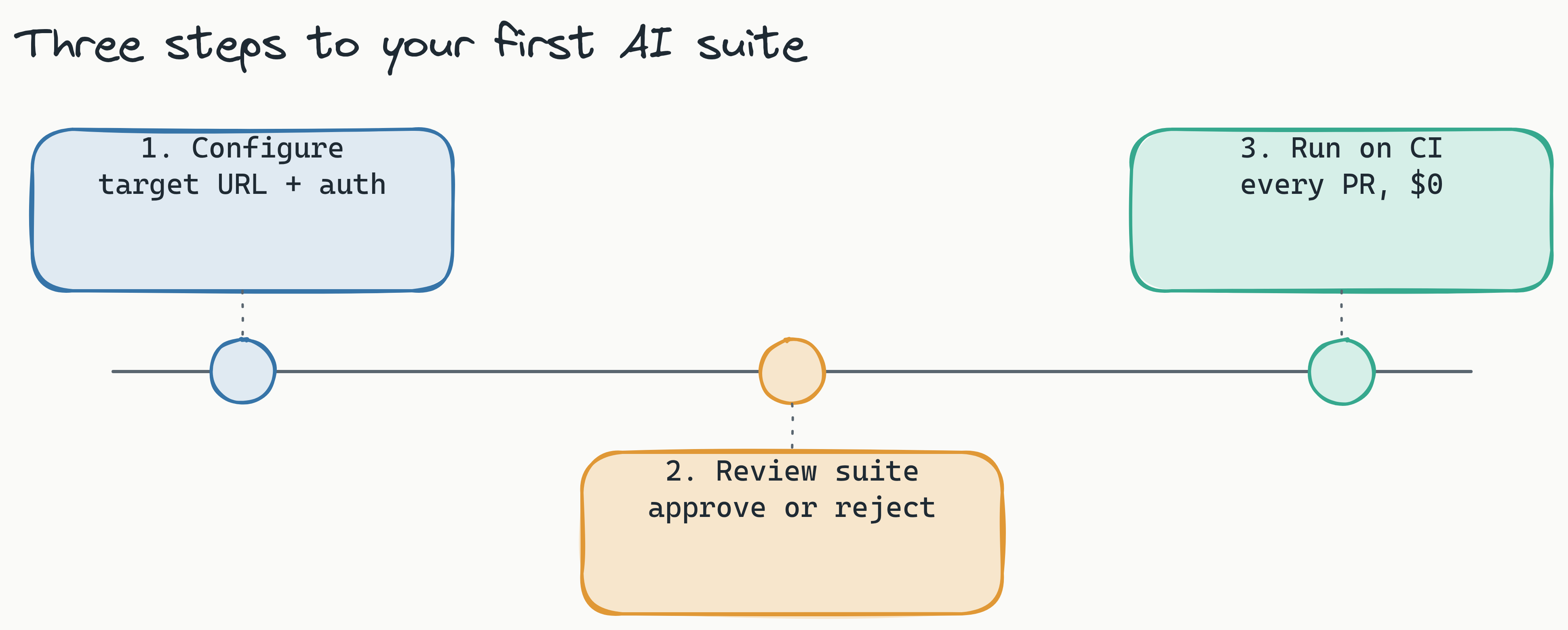
Point the agent at your application's URL and specify any authentication credentials it needs. You can also provide a sitemap or a list of entry points to guide the crawl.
lastest ai-generate \
  --url https://staging.yourapp.com \
  --auth-cookie "session=abc123" \
  --max-depth 3
Step 2: Review the generated suite
The human oversight dashboard shows every test the agent generated, including the steps it took and the screenshots it captured. You can approve, reject, or modify individual tests before they become part of your baseline.
Step 3: Run on CI
Once approved, the test suite runs on every pull request - no AI tokens needed. It replays the exact same interactions and compares screenshots against your approved baselines.
If your UI changes intentionally, update the baselines with a single click. If something breaks, you'll see the diff immediately.